In 2026, weak or reused passwords remain one of the leading causes of account takeovers, data breaches, and identity theft. With billions of leaked credentials circulating on the dark web and AI-powered brute-force attacks becoming faster and cheaper, relying on “Password123” or the same password across accounts is no longer just risky — it’s reckless.
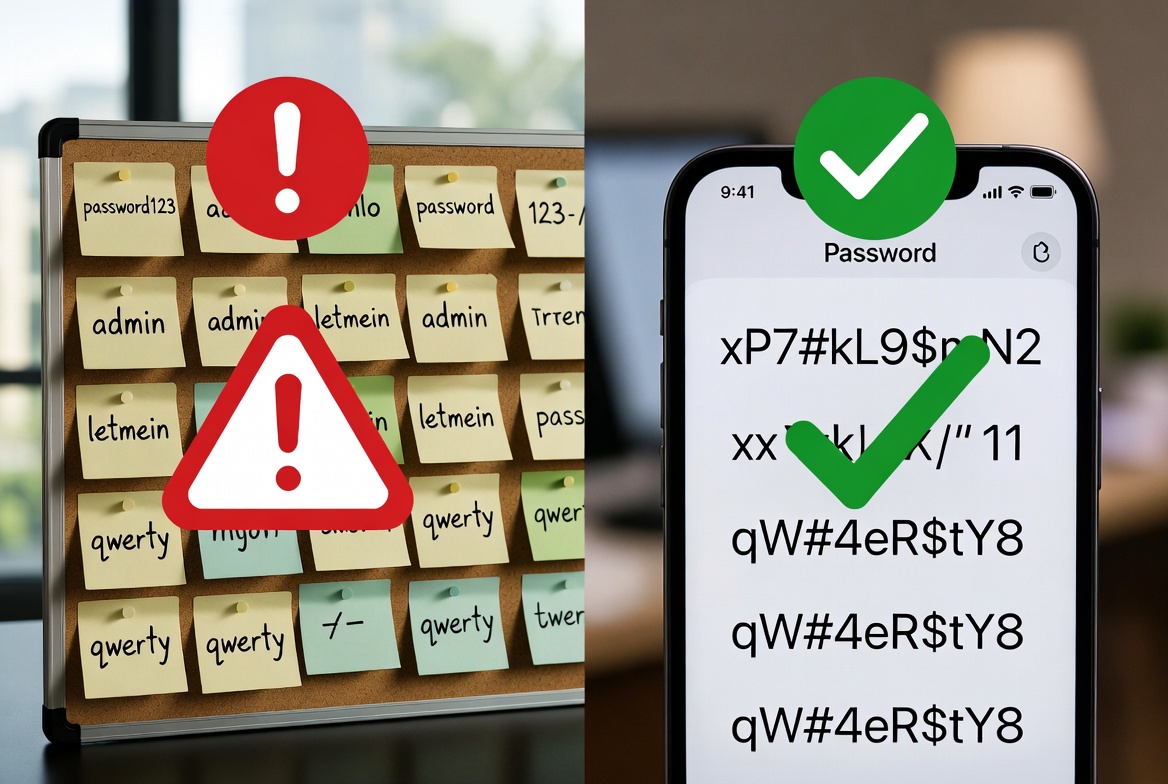
A good password generator combined with a password manager is one of the simplest and most effective ways to protect yourself and your users. Instead of trying to invent strong passwords manually (which almost always leads to weak or repeated ones), you can generate cryptographically secure, unique passwords in seconds.
This guide explains exactly how to create and manage strong passwords in 2026, what makes a password truly secure, and how to use tools like the free Password Generator + Strength Checker on keytext.net.
Why Password Security Matters More Than Ever in 2026
Cybercriminals no longer rely only on manual guessing. They use:
- Massive databases of leaked passwords
- AI-accelerated brute-force and dictionary attacks
- Credential-stuffing attacks (trying leaked username/password pairs on other sites)
Even a “strong-looking” password like Summer2026! can be cracked quickly if it follows predictable patterns. The only reliable defense for most people is to never create passwords yourself — always generate them with a trusted tool and store them in a reputable password manager.
What Makes a Password Strong in 2026?
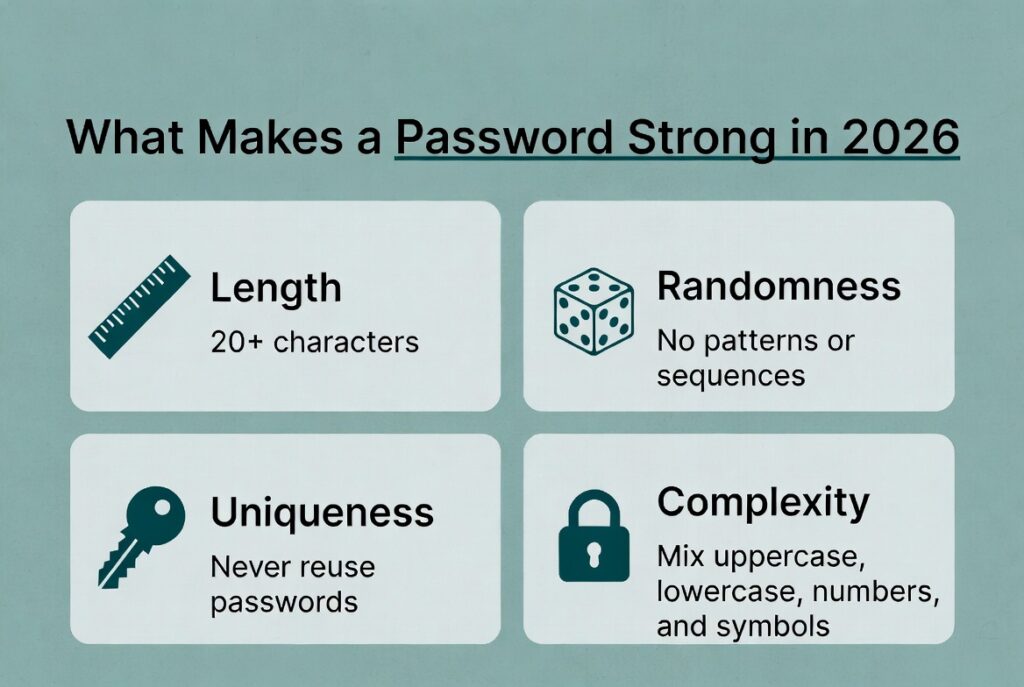
Modern password strength is measured by entropy (randomness) and resistance to common attacks:
- Length — 16+ characters is the new minimum for important accounts. 20+ is ideal.
- Randomness — Truly random characters (not dictionary words, patterns, or personal info).
- Uniqueness — Never reuse a password across different sites or services.
- Complexity — Mix of uppercase, lowercase, numbers, and symbols (when the site allows it).
A 16-character random password has vastly more possible combinations than even the most “complex” 8-character password a human would create.
How Password Generators Work
A good password generator uses cryptographically secure random number generators (CSPRNG) to create unpredictable strings. It avoids common patterns, dictionary words, and predictable substitutions (like P@ssw0rd).
The free Password Generator + Strength Checker on keytext.net lets you:
- Choose length (up to 64+ characters)
- Include/exclude character types (uppercase, lowercase, numbers, symbols)
- Generate multiple passwords at once
- Instantly see a strength score and estimated crack time
It also helps you avoid the most common weak password mistakes.
How to Use the Free Password Generator on keytext.net
Quick steps:
- Go to the Password Generator tool
- Set your desired length (recommend 20+ for important accounts)
- Choose character types (usually all four for maximum security)
- Click Generate
- Copy the password directly into your password manager
The built-in strength checker instantly shows you how resistant the password is to different types of attacks.
3 Real 2026 Scenarios Where a Password Generator Protects You
Scenario 1: Creating Accounts on High-Value Sites You’re signing up for online banking, email, or cloud storage. Instead of reusing an old password or making something memorable, you generate a unique 24-character password. Even if one of your less important accounts is breached, the attacker gains nothing of value.
Scenario 2: Team or Family Shared Logins You need to share access to a streaming service, utility account, or work tool. You generate a strong random password, store it in a shared password manager vault, and never have to worry about someone writing it down or sending it over an insecure connection.
Scenario 3: Cleaning Up Old Weak Passwords. You run an audit and discover dozens of old accounts still using weak or repeated passwords. You systematically generate new strong passwords and update them one by one (starting with email, banking, and work accounts).
Pro Tips for Password Security in 2026
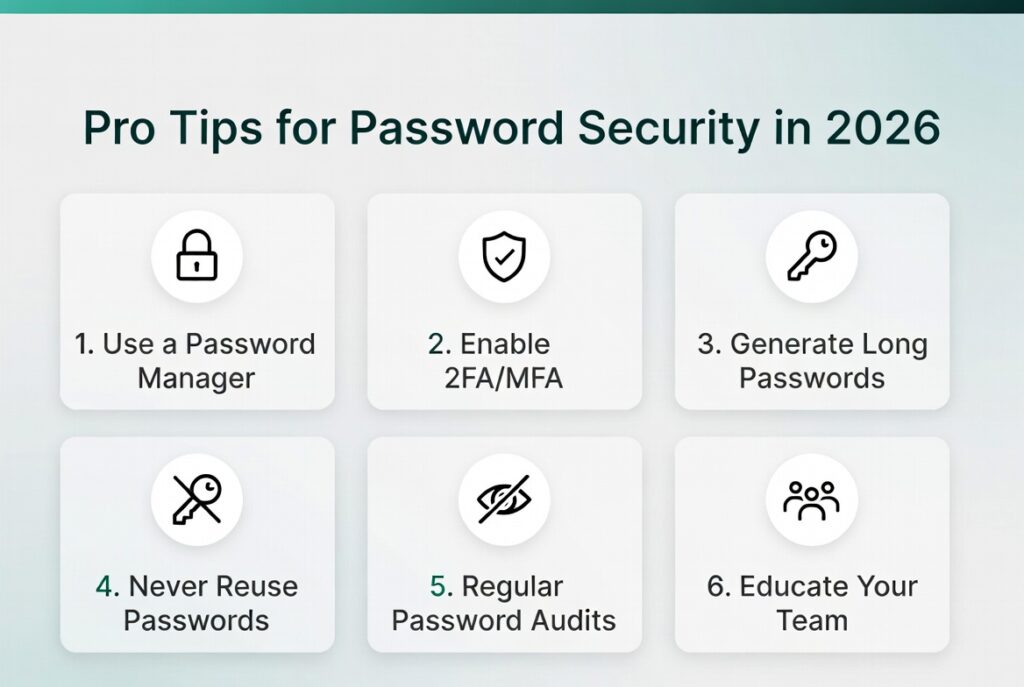
- Use a reputable password manager (Bitwarden, 1Password, Proton Pass, etc.) — This is non-negotiable. The generator creates the password; the manager stores and autofills it.
- Enable 2FA / MFA everywhere possible — Especially on email and financial accounts. Prefer authenticator apps or hardware keys over SMS when available.
- Generate long passwords by default — 20–32 characters for most accounts. Reduce length only if a site has artificial limits.
- Never store passwords in browsers alone for important accounts — Browser storage is convenient but less secure than dedicated managers.
- Audit regularly — Use your password manager’s built-in breach monitoring and password health reports.
- Educate others — Share this guide with family members or teammates who still create passwords manually.
Common Password Mistakes That Still Happen in 2026
- Reusing the same password across multiple sites
- Using personal information (birthdays, pet names, favorite teams)
- Creating “clever” substitutions (P@ssw0rd2026!)
- Writing passwords on sticky notes or in unencrypted note-taking apps
- Using short passwords (< 12 characters) even on “important” accounts
- Ignoring password manager breach alerts
Frequently Asked Questions About Password Generators in 2026
Are online password generators safe? Yes — when they run locally in your browser (like ours) or come from a trusted company. Never use shady random websites that might log your generated passwords.
Should I memorize any passwords? Only your master password for the password manager itself. Everything else should be randomly generated and stored.
What about passphrases? Passphrases (long strings of random words) can be excellent if truly random and long enough. However, most people create weak ones. A good generator + manager is simpler and usually stronger.
Can I still use the same password everywhere if it’s very long? No. Reusing passwords is one of the biggest risks, even if the password itself is strong.
Does the tool save or log the passwords I generate? No — our generator works client-side or on secure temporary processing and does not store your passwords.
How often should I change passwords? Only when there’s a known breach or reason to believe the password is compromised. Frequent forced changes often lead to weaker passwords.
Ready to Secure Your Accounts in 2026?
Stop creating weak or repeated passwords. Start generating strong, unique ones instantly and storing them safely.
Generate strong, secure passwords right now — free and instant:
(Embed your Password Generator + Strength Checker tool here – https://keytext.net/text-tools/password-generator/)
Already improving your digital security habits? Check out our Word Counter & Character Counter Ultimate Guide and Case Converter Guide for more practical tools that help you work faster and smarter.
Written by the KeyText Team. We build free, accurate online tools so you can protect your digital life and work more efficiently — no sign-up, no limits, just results.