In 2026, how you capitalize your text still sends a powerful signal. A single ALL-CAPS sentence in an email can come across as shouting. A LinkedIn headline in the wrong case can look unprofessional. Code variables in the wrong format can break builds or confuse teammates.
Whether you’re writing social posts, client emails, resumes, blog titles, or code, consistent and correct casing is a small detail that makes a big difference in clarity, credibility, and professionalism.
That’s exactly why a good case converter tool belongs in every writer’s, marketer’s, and developer’s toolkit.
What Is a Case Converter and Why Does It Matter
A case converter is an online tool that instantly transforms the capitalization of any text. Instead of manually re-typing or hunting through Word/Google Docs menus, you paste your text, choose the desired case style, and get perfectly formatted output in seconds.
Modern case converters (like the free one on keytext.net) go beyond basic UPPER/lower. They handle:
- Title Case (capitalizing major words)
- Sentence case (standard prose)
- UPPERCASE/lowercase
- Developer-friendly formats: camelCase, PascalCase, snake_case, kebab-case
Using the right case improves readability, follows platform conventions, boosts SEO, and saves hours of tedious editing.
The Main Types of Text Case Conversion Explained
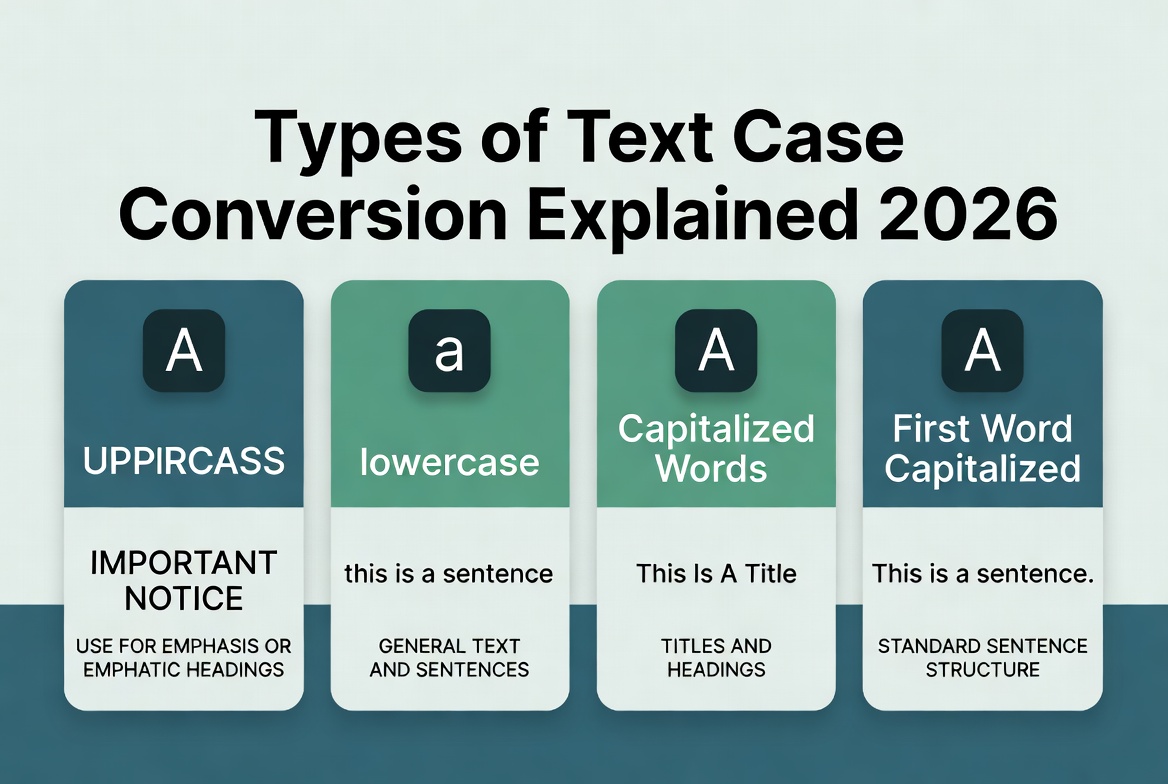
Here are the most useful styles in 2026 and when to use each:
1. UPPERCASE (ALL CAPS) Best for: Short headings, warnings, emphasis, or legal disclaimers. Avoid for: Long paragraphs (it feels like shouting and reduces readability).
2. lowercase Best for: Casual social captions, hashtags, or certain code contexts. Avoid for: Professional communication or titles.
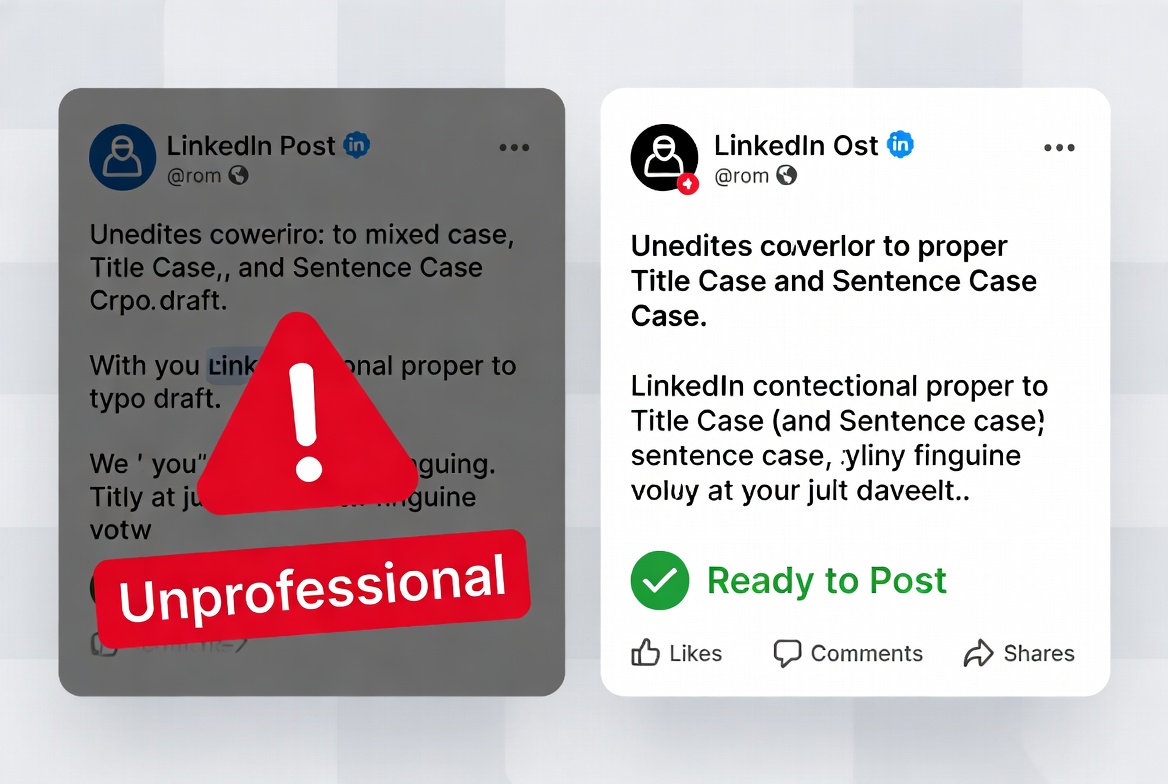
3. Title Case Best for: Blog post titles, YouTube video titles, book/chapter titles, LinkedIn headlines, and slide titles. Rule of thumb: Capitalize the first and last word + all major words. Small words (a, an, the, and, or, but, for, nor, on, at, to, from, by) are usually lowercase unless they start or end the title.
4. Sentence case Best for: Email bodies, social media posts, article body text, and most everyday writing. Only the first letter of the sentence is capitalized (plus proper nouns and “I”).
5. Developer Cases
- camelCase → myVariableName (common in JavaScript)
- PascalCase → MyClassName (common in C#, Java, TypeScript classes)
- snake_case → my_variable_name (common in Python, Ruby)
- kebab-case → my-variable-name (common in URLs, CSS classes)
How to Use the Free Case Converter on keytext.net
Our tool is fast, free, and handles multiple paragraphs and special characters without breaking formatting.
Quick steps:
- Go to the Case Converter tool
- Paste your text
- Choose your desired case style
- Copy the converted text instantly
It also supports batch conversion and preserves line breaks — perfect for long documents or code snippets.
3 Real 2026 Scenarios Where a Case Converter Saves the Day
Scenario 1: Social Media Manager Preparing Posts. You write 5 LinkedIn posts in sentence case. For the headlines, you need Title Case. Paste the whole batch → convert only the headlines in seconds. Then convert one version to UPPERCASE for a limited-time offer banner. Total time saved: 10–15 minutes per batch.
Scenario 2: Freelance Writer or Student. You finish a 2,000-word article. Your editor wants Title Case for all H2s and sentence case for body text. Instead of manual editing, paste sections into the converter and fix everything in under a minute. Bonus: run it through the Word Counter tool afterward to hit exact length targets.
Scenario 3: Developer Cleaning User Input or Database Exports. You receive a CSV with messy names in mixed case. Convert everything to snake_case or camelCase before importing into your app. Or convert constants to UPPER_SNAKE_CASE for config files. One click instead of regex or manual find-replace.
Pro Tips for Professional Results in 2026
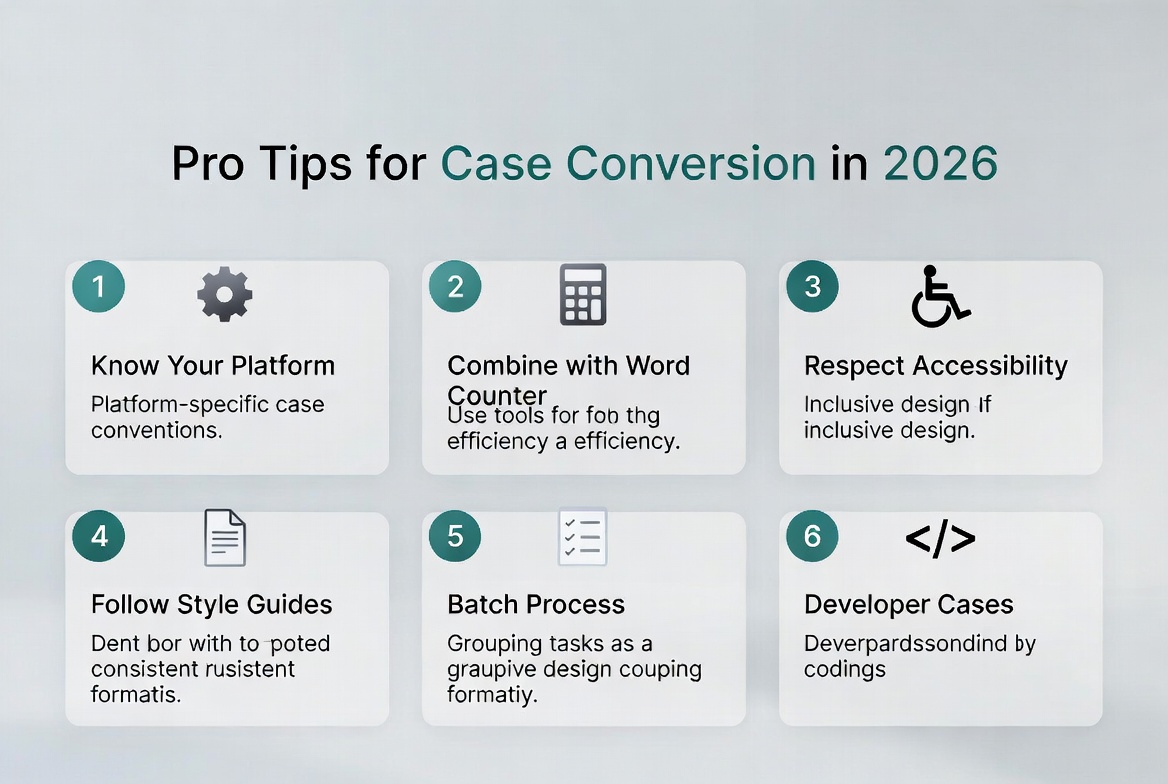
- Know your platform rules — LinkedIn and Medium love Title Case headlines. X/Twitter and most blogs prefer Sentence case for readability.
- Combine tools — Use the Case Converter together with the Word Counter & Character Counter for perfectly optimized social posts and emails.
- Respect accessibility — Avoid long stretches of ALL CAPS. Screen readers can struggle, and it reduces readability for everyone.
- Follow style guides — AP style, Chicago Manual, or your company’s brand guidelines often have specific rules for Title Case vs Sentence case.
- Batch process — Convert whole lists, email signatures, or slide decks at once instead of one line at a time.
- Check after conversion — Always do a quick scan for proper nouns that may need manual fixing (e.g., brand names, people’s names).
Common Mistakes to Avoid
- Using ALL CAPS for emphasis in emails or long social posts (it looks aggressive).
- Applying Title Case to body text or bullet points (it feels old-fashioned and harder to read).
- Forgetting to convert code-related text before committing (mixing camelCase and snake_case in the same file is messy).
- Over-relying on the tool without understanding the rules — the converter is a helper, not a replacement for knowing basic style.
Frequently Asked Questions About Case Converters in 2026
Does the tool handle accented characters and non-English text? Yes — modern converters preserve accents (é, ñ, ü, etc.) and work reasonably well with many languages.
Can I convert an entire Google Doc or Word file? The online tool works best with copied text. For very large documents, paste in sections or use a desktop script.
Is there a difference between “Title Case” and “Capitalize Each Word”? Slightly. True Title Case follows style-guide rules (small words stay lowercase). “Capitalize Each Word” makes every word start with a capital — useful for some designs, but not always correct for publishing.
Can I use it for code? Yes — the developer case options (camelCase, snake_case, etc.) are perfect for cleaning variable names or converting between languages.
Is the tool private? Our converter processes text in-browser or on secure servers and does not store your content.
Ready to Write Faster and Look More Professional?
Stop manually fixing capitalization. A good case converter turns messy text into polished, platform-ready content in seconds.
Transform any text instantly with our free Case Converter:
(Embed your Case Converter tool here – https://keytext.net/text-tools/case-converter/)
Already using our writing tools? Check out the Word Counter & Character Counter Ultimate Guide for more ways to level up your content in 2026.
Written by the KeyText Team. We build free, accurate online tools so you can create better content and work smarter — no sign-up, no limits, just results.