Right now in May 2026, AI-powered image upscaling has become incredibly powerful. Whether you’re a photographer, social media creator, e-commerce store owner, or just someone who wants to print an old family photo in a larger size, you no longer have to choose between blurry results or paying for expensive software.
Traditional upscaling methods (like bicubic interpolation) enlarged images but introduced artifacts, softness, and noise. Modern AI upscalers — including the free one on keytext.net — use advanced machine learning to intelligently add realistic details while preserving sharpness and clarity.
In this guide, you’ll learn:
- How image upscaling actually works in 2026
- The science behind AI vs traditional methods
- How to use our free Image Upscaler tool
- Three real-life 2026 scenarios (old photos, product shots, and social media)
- Pro tips to get the best results every time
- Common mistakes that still ruin upscaled images
Let’s turn your low-resolution photos into crisp, high-quality enlargements.
What Is Image Upscaling and Why Does Quality Matter?
Image upscaling (or super-resolution) is the process of increasing the resolution of a photo — for example, turning a 512×512 pixel image into 2048×2048 or larger — without it looking pixelated or blurry.
In 2026, this is especially important because:
- Social media platforms favor high-resolution images
- Print-on-demand services require 300 DPI or higher
- AI-generated content and old scanned photos need clean enlargement
How AI Image Upscaling Works in 2026 (Simple Explanation)
Traditional upscaling simply stretches pixels. AI upscaling uses trained neural networks (often based on models such as Real-ESRGAN or SwinIR) to predict what the missing details should look like, using millions of example images.
Our free Image Upscaler on keytext.net uses state-of-the-art 2026 AI models that excel at:
- Recovering fine textures (hair, fabric, skin)
- Reducing noise and compression artifacts
- Maintaining natural colors and edges
Try It Yourself – Free Image Upscaler (2026 AI Powered)
Ready to enlarge your photos instantly?
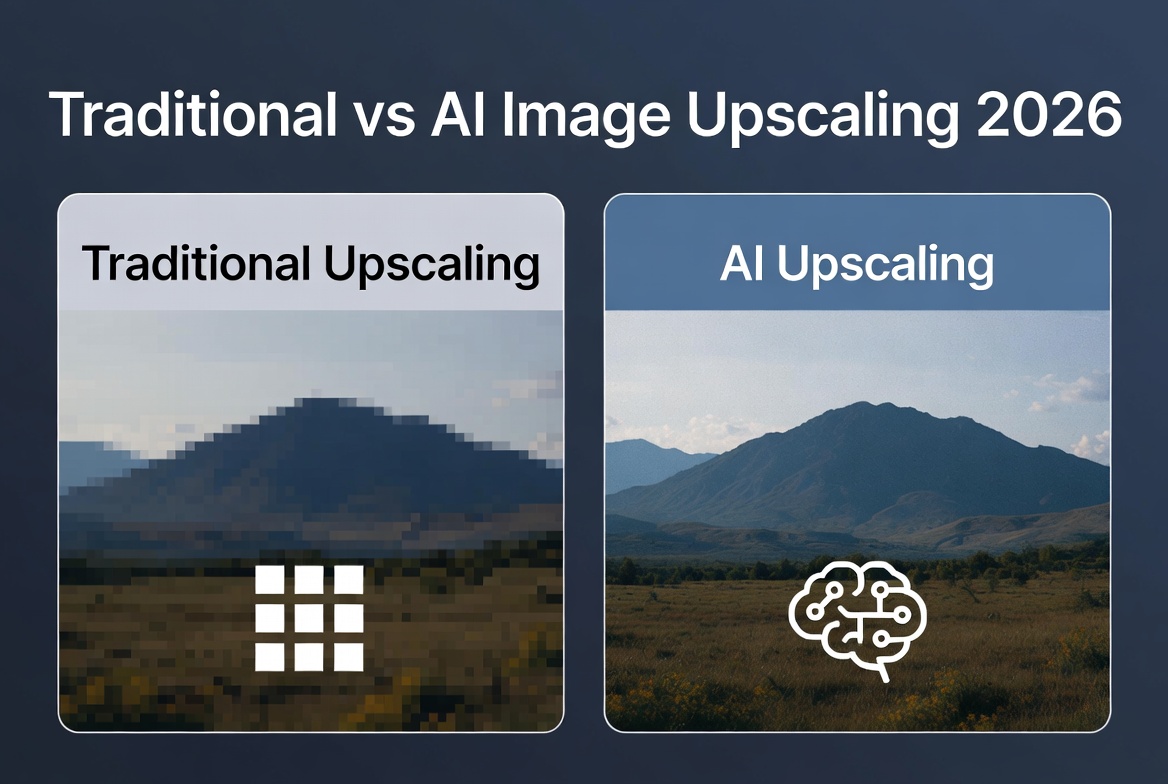
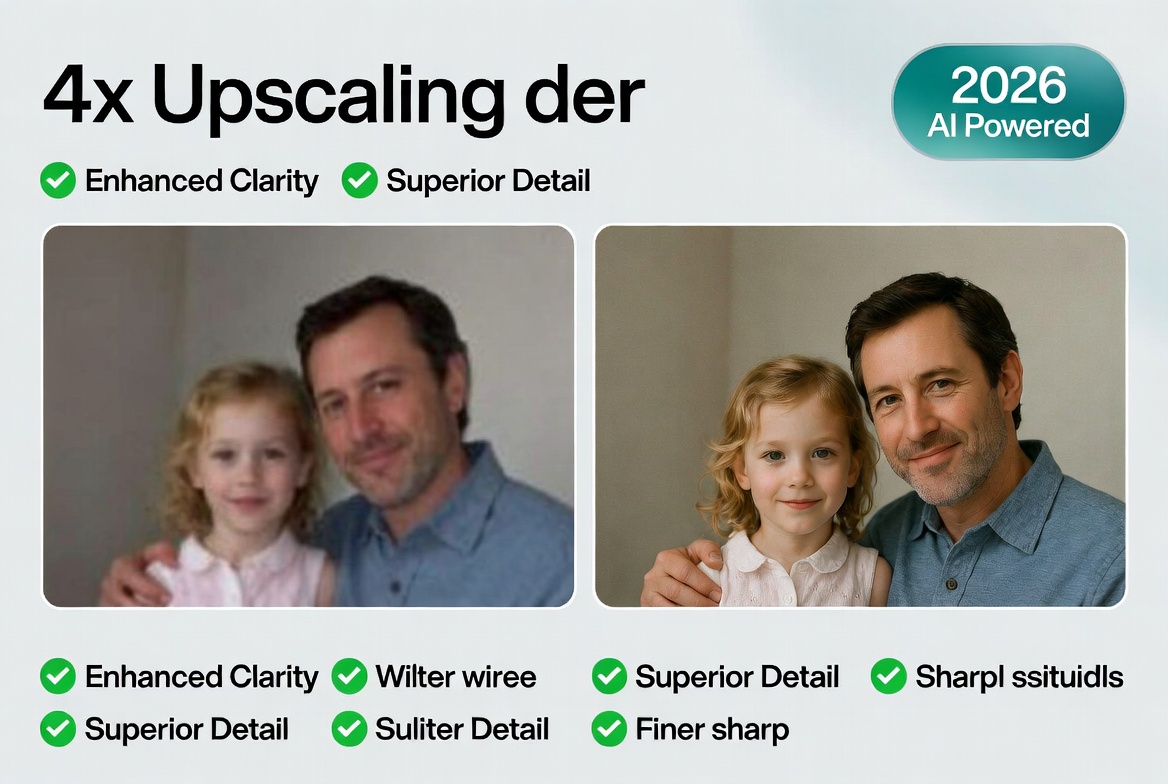
(Traditional vs AI image upscaling 2026 – https://keytext.net/image-tools/image-upscaler/)
How to use it in under 30 seconds:
- Upload your photo (JPG, PNG, WebP supported)
- Choose upscale factor (2x, 4x, or custom)
- Select enhancement level (standard or maximum detail)
- Hit Upscale — download the high-resolution version in seconds
No sign-up, no watermarks, completely free.
3 Real 2026 Scenarios Where Upscaling Makes a Huge Difference
1. Old Family Photos & Vintage Prints
You have a scanned photo from the 1990s at 800×600 pixels. Upscale 4x → crisp 3200×2400 version perfect for framing or restoring. AI adds realistic skin texture and fabric details that were lost in the original scan.
2. E-commerce Product Photography
Your product shot is only 1200×1200, but you need 4000×4000 for Amazon and your website. Upscaling keeps the product sharp, removes compression noise, and makes text on packaging readable.
3. Social Media & Content Creation
You created a low-resolution graphic or meme for quick posting. Upscale to 4K and it looks professional on Instagram, TikTok, or X — no more blurry thumbnails.
Pro Tips for Perfect Results in 2026
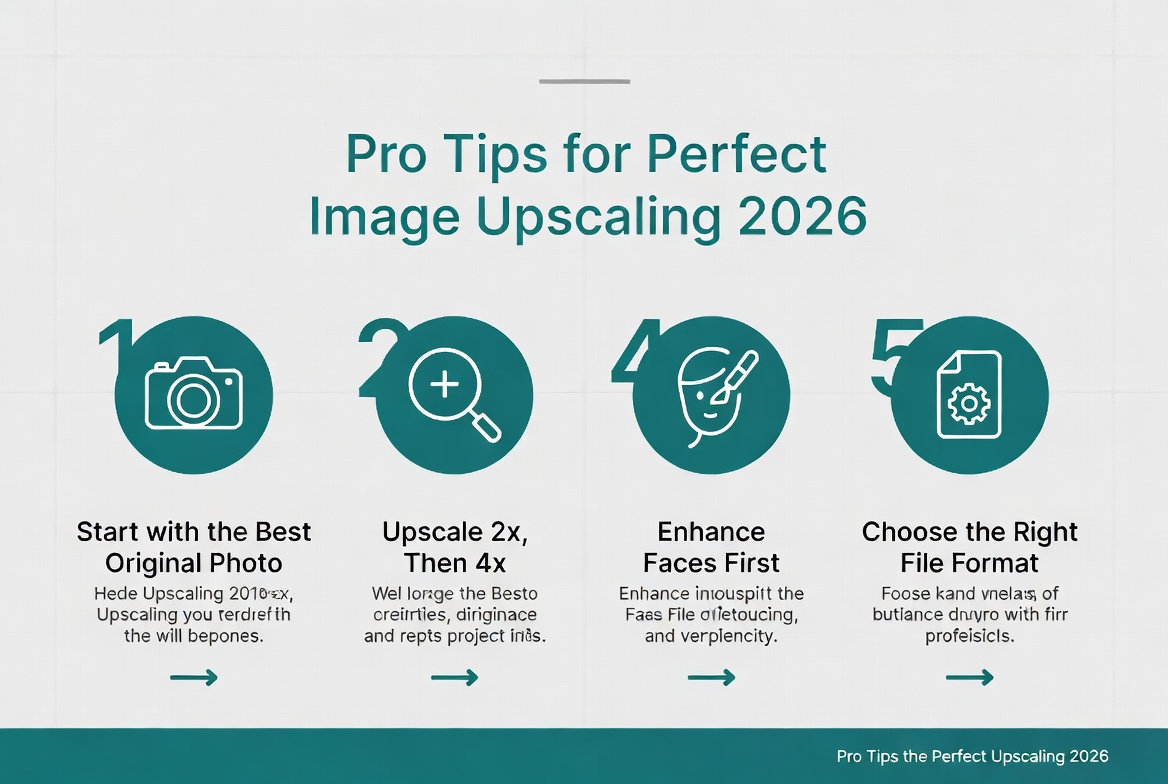
- Start with the best original possible — even AI can’t invent details from nothing.
- Use 2x first, then upscale again if needed (better than one giant jump).
- Choose the right model — our tool automatically picks the best for photos vs illustrations.
- Enhance faces and text — enable face restoration if your image has people.
- Check file size — higher upscale = larger files; compress afterward if needed for web.
- Compare before/after — always zoom in to verify details.
Common Mistakes That Still Ruin Upscaled Images
- Using old software or phone apps that don’t use 2026 AI
- Over-upscaling (going from 300px to 4000px in one step)
- Ignoring compression artifacts before uploading
- Saving as JPEG multiple times (adds more compression)
- Expecting miracles from extremely low-quality originals
Frequently Asked Questions About Image Upscaling in 2026
Is AI upscaling really better than Photoshop? Yes — 2026 AI models outperform traditional Photoshop bicubic or even older AI plugins in realism and detail.
Will upscaling make my image look fake? Modern AI is trained to look natural. Our tool is tuned specifically to avoid the “plastic” or overly smooth look.
What file formats does the upscaler support? JPG, PNG, WebP — output is usually the same format as input.
How large can I upscale? Most users get excellent results at 4x. Higher factors are possible but quality depends on the original.
Is it safe to upload personal photos? Yes — we process everything on secure servers and delete images immediately after processing.
Can I upscale AI-generated images too? Absolutely! It works great on Midjourney, DALL·E, or Stable Diffusion outputs.
Ready to Enlarge Your Photos the Smart Way?
High-quality images matter more than ever in 2026. Stop settling for blurry enlargements and start using AI that actually understands what details should look like.
Upscale any photo instantly — free, fast, and crystal clear:
Want more image tools? Check out our QR Code Generator Tips or go back and read Calorie & Macro Calculator Guide — because great visuals and great health both start with the right tools.
Written by the KeyText Team. We build free, accurate online tools so you can create better content and make smarter decisions — no sign-up, no watermarks, just results.